How Often Should You Audit Your Site for SEO?
In the fast-paced world of digital marketing, SEO is a vital element that can determine the success of your website. However, simply optimising your site once is not enough. SEO requires continuous monitoring and fine-tuning to maintain and improve your rankings on search engines like Google. This is where regular SEO audits come in.
Key takeaways
- Most sites need a full SEO audit once or twice a year, with lighter monthly checks in between.
- Run an extra audit after a redesign or migration, a sharp traffic drop, or a Google core update listed on the Search Status Dashboard.
- Before blaming rankings, check whether a click drop is AI Overviews taking clicks on informational queries while your positions hold.
- Large, fast-changing sites such as online stores benefit from monthly technical crawls.
- Cover technical, on-page, content, backlink and local SEO, using Search Console plus a crawler like Semrush or Screaming Frog.
An SEO audit is a comprehensive analysis of your website’s health and performance, helping you identify issues that could be affecting your search rankings. From broken links to poor mobile performance, audits help uncover hidden problems that may go unnoticed but could significantly impact your visibility.
Why SEO Audits Matter
An SEO audit is crucial in ensuring your website remains optimised for search engines and users. It’s not just about fixing minor issues; it’s about taking a holistic view of your website’s performance and identifying opportunities for improvement that could have a lasting impact on your rankings and visibility.
Identify Issues Affecting Performance
SEO audits help pinpoint problems such as slow page load times, broken links, or poor mobile responsiveness, which can negatively impact user experience and search engine rankings. Addressing these issues promptly ensures your site is accessible and attractive to users and search engines.
Improve Search Engine Rankings
An SEO audit analyses factors like keyword usage, meta tags, and backlinks to reveal areas for optimisation that can lead to higher search engine rankings. Regular audits ensure that your site adapts to ever-changing search algorithms and continues to perform well in search results.
Enhance User Experience

SEO is not just about ranking higher; it’s about providing value to your audience. Regular audits help improve the user experience by optimising site navigation, content structure, and mobile responsiveness. A well-optimised site leads to better engagement and higher conversions.
Stay Competitive
The digital landscape is constantly evolving, with competitors continuously optimising their sites. SEO audits help you stay ahead of the curve by identifying emerging trends, new keywords, or changes in your industry that may affect your rankings. By performing regular audits, you can adjust your strategy to stay competitive.
When to Conduct SEO Audits (Frequency)
Determining how often you should conduct an SEO audit depends on several factors related to the dynamics of your website, industry, and the changing landscape of search engine algorithms. Here are some key triggers that will help you decide when it’s time to perform an audit:
After Major Algorithm Updates
Search engines like Google are constantly updating their algorithms, which can have a significant impact on your website’s rankings. Google runs several core updates a year (2025 alone had core updates in March, June and later in the year) plus spam updates, all listed with dates on its Search Status Dashboard. These updates are designed to improve search result accuracy, penalise spammy practices, or reward high-quality content. When your traffic moves, compare the date of the change against that list first. Then separate a ranking drop from a click drop: with AI Overviews and AI Mode now live in Pakistan, a page can keep its position and still lose clicks on informational queries, which no audit will fix. Only when positions themselves fell around an update date is a full audit the right response.
- How Often: Quarterly, or immediately after a major algorithm update.
- Why: Staying aligned with Google’s latest standards helps maintain or improve rankings.
After Website Redesign or Significant Changes
Any major changes made to your website—whether it’s a redesign, content updates, or new features—can impact your SEO. These changes might affect technical aspects such as site speed, URL structures, internal linking, and mobile optimisation. Performing an SEO audit after significant changes helps ensure that the new version of your site is still optimised for both users and search engines.
- How Often: After each major website overhaul or redesign.
- Why: To ensure no SEO issues were introduced during changes to the site.
Significant Drops in Traffic or Rankings
If you notice a sudden drop in organic traffic or keyword rankings, it’s time for an audit. A sharp decline in traffic might indicate a technical issue, penalty, or an SEO aspect that needs attention. By auditing your site, you can quickly identify and fix the root cause of the decline, potentially recovering your rankings.
- How Often: As soon as there’s a noticeable drop in traffic or rankings.
- Why: To identify and resolve issues that are hurting site performance.
Competitive Pressure or Industry Changes
SEO is highly competitive, and your rivals are likely constantly optimising their sites to rank higher. If there’s a significant shift in your industry, such as new competitors entering the market or changes in consumer behaviour, an SEO audit helps you stay competitive. Regular audits help you adapt to industry trends, discover new keywords, and ensure your content remains relevant.
- How Often: Annually or when significant changes in your industry occur.
- Why: Ensure your SEO strategy aligns with current trends and stays ahead of competitors.
Seasonality or Promotional Campaigns
For businesses with seasonal trends or special promotions, SEO audits help ensure that their sites are optimised for those specific periods. For example, retail businesses might want to optimise their sites for increased holiday traffic, while service-oriented businesses may need to adjust keywords for peak seasons. Conducting an audit before high-traffic periods ensures that your site is ready to capture as much relevant search traffic as possible.
- How Often: At the start of each new season or before a promotional campaign.
- Why: To optimise for seasonal or event-driven traffic spikes.
Regular Maintenance (Ongoing Audits)
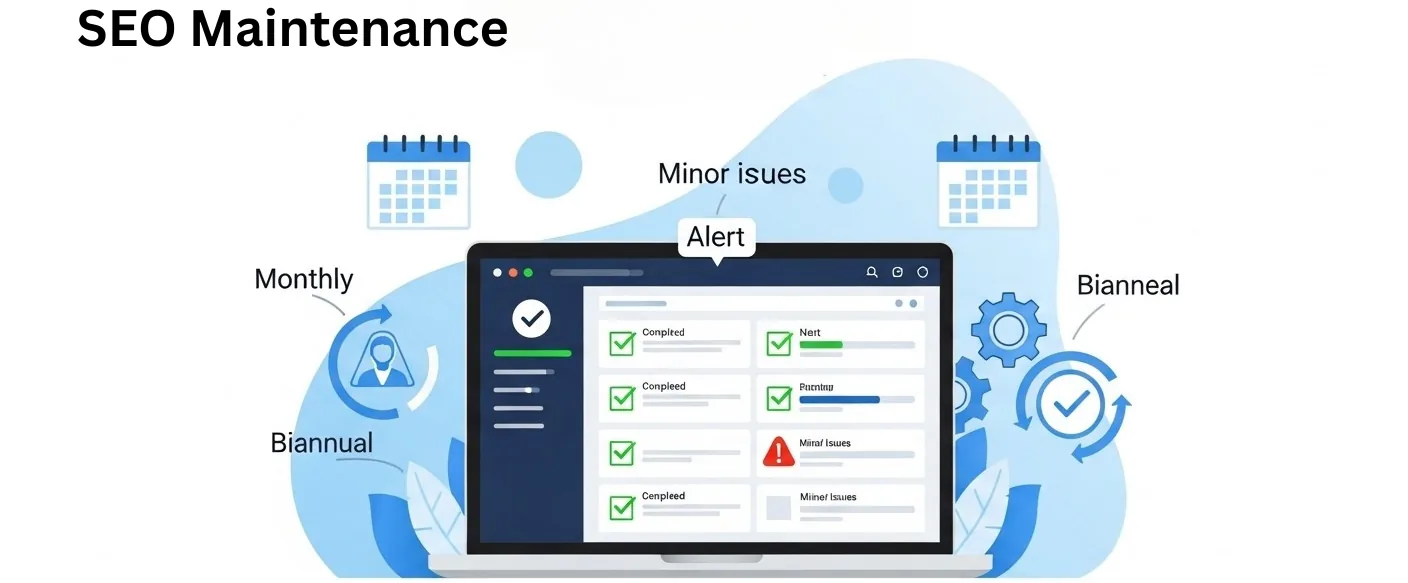
While specific events trigger major audits, ongoing audits should be part of your regular SEO maintenance. Periodic audits—whether monthly, quarterly, or biannually—help keep your site in top condition by addressing minor issues before they snowball into major problems. These regular checks ensure that your site stays optimised continuously without waiting for problems to become critical.
- How Often: Monthly, quarterly, or biannually, depending on the size and complexity of the site.
- Why: To stay proactive and maintain ongoing optimisation.
Types of SEO Audits You Should Perform
Performing an SEO audit is not a one-size-fits-all approach; different aspects of your website require specialised audits to address specific issues. Here are the key types of SEO audits you should consider to ensure your website is fully optimised:
Technical SEO Audit
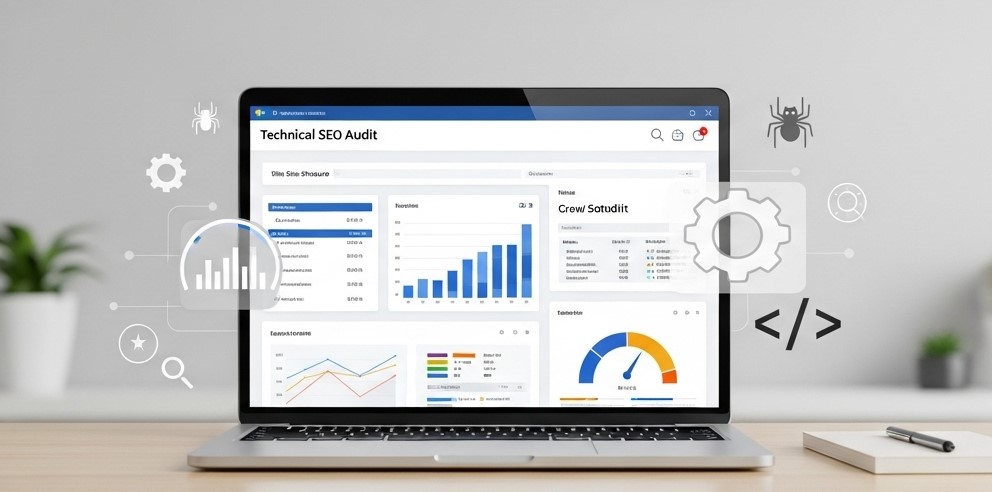
A technical SEO audit focuses on your website’s underlying structure and performance. This audit examines factors influencing how search engines crawl, index, and render your site. Common issues identified in a technical SEO audit include:
- Crawlability & Indexability: Ensuring search engines can crawl and index all your important pages without any hindrances.
- Site Speed & Performance: Checking loading times and Core Web Vitals. These are a page experience signal that can act as a tie-breaker; fix them, but do not expect speed alone to move rankings.
- Mobile Responsiveness: Verifying your site is mobile-friendly, since Google indexes the mobile version of every site.
- XML Sitemaps & Robots.txt: Ensure your sitemaps are properly configured and that robots.txt does not block important content from being crawled.
- 404 Errors & Broken Links: Identify and fix any broken links or missing pages that may harm user experience and SEO performance.
Why It’s Important: A technically sound website ensures that search engines can access and understand your content, improving the chances of better rankings and a better user experience.
On-Page SEO Audit
On-page SEO refers to optimising individual pages on your website for relevant keywords and ensuring they are aligned with search intent. A thorough on-page audit covers the following:
- Title Tags & Meta Descriptions: Checking that title tags and meta descriptions are unique, compelling, and keyword-optimised.
- Header Tags (H1, H2, etc.): Ensuring proper use of header tags to structure content for readability and SEO.
- Keyword Optimisation: Verifying that each page targets the right keywords and uses them naturally within the content.
- Internal Linking: Ensuring internal links are strategically placed to guide users and help search engines discover new content.
- Content Quality & Relevance: Assess the overall quality of your content to ensure it’s useful, relevant, and informative for your target audience.
Why It’s Important: On-page SEO is vital for improving the visibility of individual pages and aligning your content with search engine algorithms and user intent.
Content Audit
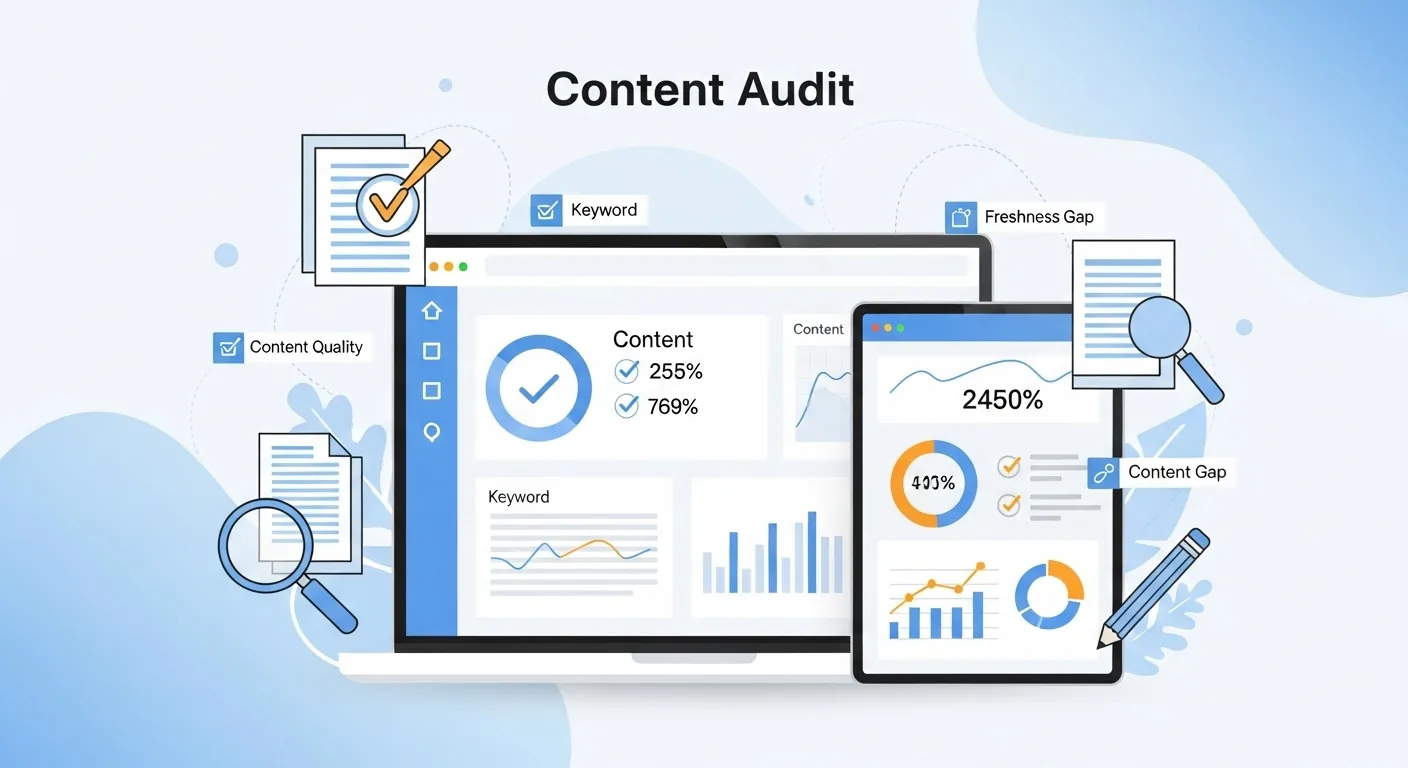
A content audit assesses the quality, relevance, and performance of the content on your website. This audit involves:
- Content Quality: Reviewing content to ensure it’s original, informative, and adds value to users.
- Keyword Usage: Analysing the effectiveness of your keyword strategy and ensuring your content targets the right search terms.
- Content Freshness: Identifying outdated content that may need to be updated or removed.
- Content Gaps: Finding topics or keywords your website has not addressed provides opportunities for new content creation.
- Engagement Metrics: Analysing how users interact with your content (e.g., GA4 engagement rate, scroll depth and key events) to identify areas of improvement.
Why It’s Important: High-quality, relevant content is key to attracting and retaining users and achieving higher rankings in search engines.
Backlink Audit
Backlinks are one of the most important ranking factors for SEO. A backlink audit evaluates the quality and quantity of backlinks pointing to your site. Key elements to review in a backlink audit include:
- Link Quality: Ensuring backlinks come from authoritative, relevant websites in your industry.
- Anchor Text Optimisation: Verifying that anchor text is diverse and optimised for keywords.
- Toxic Backlinks: Identifying any harmful backlinks from spammy or low-quality sites that could hurt your rankings.
- Link Velocity: Analysing the natural growth of backlinks over time to ensure no sudden spike could raise flags with search engines.
Why It’s Important: Backlinks improve domain authority and search rankings. A backlink audit helps you focus on high-quality, relevant links while disavowing harmful ones.
Local SEO Audit (If Applicable)
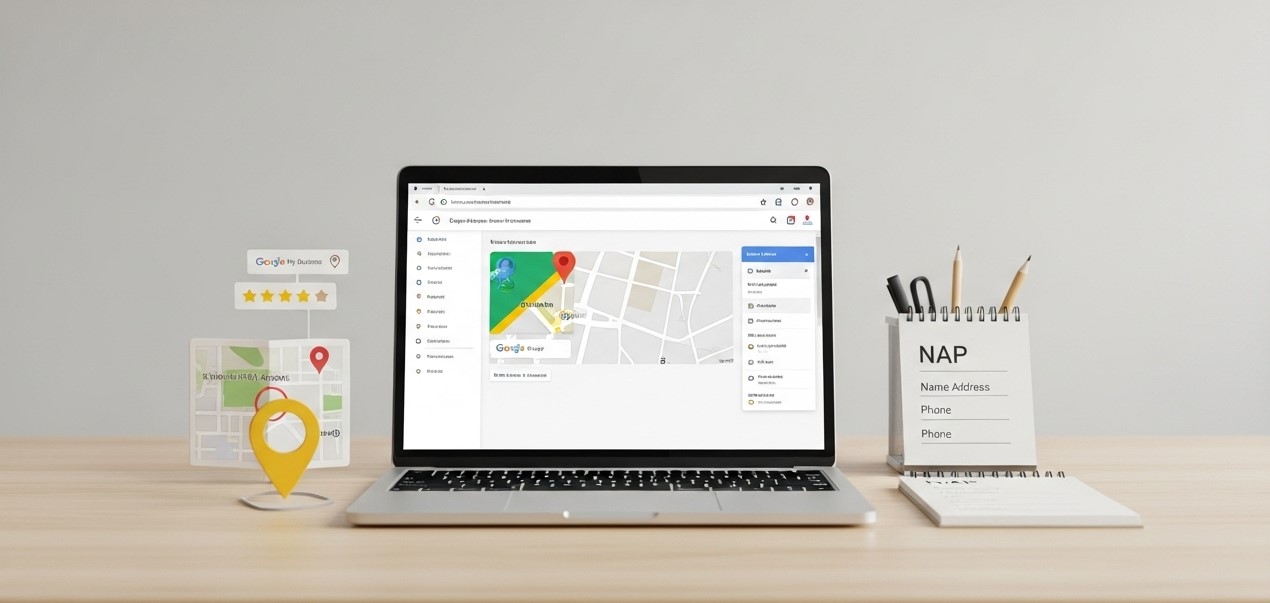
For businesses that rely on local customers, a local SEO audit ensures your website is optimised for local search results. Key areas to focus on include:
- Google Business Profile: Verifying and optimising your Google Business Profile (formerly Google My Business) to ensure it’s accurate and current.
- NAP Consistency: Ensuring your Name, Address, and Phone number (NAP) are consistent across all online listings and directories.
- Local Keywords: Identifying and targeting keywords with local intent, such as “best pizza in [city].”
- Local Reviews & Citations: Managing reviews and citations from local directories to improve local search rankings.
Tools to Use for SEO Audits
To conduct a thorough SEO audit, leveraging the right tools can make the process more efficient and accurate. Several SEO audit tools are available, each offering unique features to help you analyse different aspects of your website. Here’s a list of popular tools and how they can assist in your SEO audits:
Google Search Console
Purpose: Google Search Console is a free tool provided by Google to monitor and maintain your website’s presence in search results. It’s essential to perform technical SEO audits and track how Google crawls and indexes your site.
Key Features:
- Page indexing and Crawl stats: Page indexing lists which URLs are indexed and why the rest are not (404s, redirects, noindex, blocked by robots.txt); Crawl stats shows how often Googlebot fetches your site and any server errors. The old Crawl Errors report no longer exists.
- Performance report: Shows clicks, impressions, click-through rate (CTR) and average position for every query and page, with filters by country and device.
- Core Web Vitals, HTTPS and Manual actions: Real-user loading, responsiveness and visual stability data, HTTPS coverage, and any manual or security actions against the site. The old Mobile Usability report was retired in 2023.
Sitemaps, Links and robots.txt: Submit and monitor sitemaps, see which sites link to you, and check the robots.txt file Google last fetched (Settings > Crawling).
Why It’s Important: Google Search Console provides insights directly from Google, making it invaluable for understanding how Google views your site and helping you identify any technical SEO issues.
SEMrush
Purpose: SEMrush is an all-in-one marketing tool that provides comprehensive SEO analysis, including on-page SEO, backlinks, site health, and keyword tracking. It’s a great tool for conducting both site-wide and competitive audits.
Key Features:
- Site Audit: Scans your website for SEO issues like broken links, page speed, and mobile usability.
- Keyword Research: Identifies keywords your site is ranking for and opportunities for optimisation.
- Backlink Audit: Evaluates the quality of backlinks pointing to your site.
- Competitor Analysis: Allows you to see how your competitors perform and uncover strategies to improve your rankings.
Why It’s Important: SEMrush offers a detailed view of your site’s SEO health and competitive landscape, making improving your strategy based on comprehensive data easier.
Ahrefs
Purpose: Ahrefs is among the most popular SEO tools for backlink analysis and competitor research. It also provides a powerful site audit tool for identifying on-page and technical SEO issues.
Key Features:
- Site Audit: This service provides a thorough audit of your site’s technical and on-page SEO, highlighting issues and offering solutions.
- Backlink Analysis: Identifies the quality and quantity of backlinks pointing to your site, helping you improve link-building strategies.
- Content Explorer: Lets you find top-performing content in your niche, helping you create better content.
- Rank Tracker: Tracks your keyword rankings over time.
Why It’s Important: Ahrefs excels at backlink analysis, which is crucial for understanding your site’s authority and identifying areas to improve your backlink profile.
Screaming Frog
Purpose: Screaming Frog is a website crawler that helps you analyse your site’s technical SEO aspects in-depth. It’s particularly useful for large sites with complex structures.
Key Features:
- Site Crawling: Crawls your entire site and generates reports on key technical SEO elements like internal linking, page titles, and meta descriptions.
- Broken Links: Identifies 404 errors and redirects, helping you fix broken links.
- Duplicate Content: Finds duplicate content and pages with similar or identical titles.
- XML Sitemap Generation: Creates an XML sitemap for better indexing by search engines.
Why It’s Important: Screaming Frog is ideal for technical SEO audits, especially for large websites, as it offers a detailed analysis of site structure and identifies common issues that can impact SEO.
Moz Pro
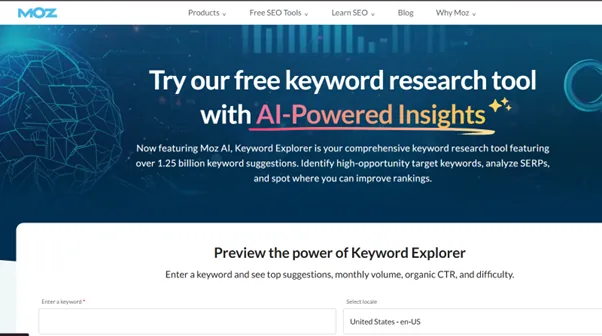
Purpose: Moz Pro is a comprehensive SEO suite that offers tools for keyword research, site auditing, backlink analysis, and rank tracking.
Key Features:
- Site Crawler: This tool scans your site for common SEO issues, such as missing meta tags, duplicate content, and broken links.
- Keyword Explorer: Helps you find new keyword opportunities and track your current rankings.
- Backlink Analysis: Identifies backlink opportunities and evaluates the quality of existing links.
- On-Page Optimisation: Suggests improvements to on-page elements like title tags and meta descriptions.
Why It’s Important: Moz Pro is user-friendly and offers an all-in-one solution for SEO audits, making it great for beginners and advanced users.
Google Analytics
Purpose: Google Analytics is primarily a traffic and performance analysis tool, but it can also help you identify SEO-related issues by showing how users interact with your site and which pages are performing well.
Key Features:
- Traffic Insights: Shows which pages are getting the most organic traffic and which need optimisation.
- Engagement rate and average engagement time: GA4's replacements for bounce rate and session duration; use them to spot organic landing pages that lose visitors quickly.
- Traffic acquisition and key events: Shows how visitors arrive (organic search, paid search, referrals, social) and which organic landing pages lead to key events such as form submissions, calls or purchases.
Why It’s Important: While not strictly an SEO tool, Google Analytics provides crucial insights into user behaviour and traffic sources, which can help you assess the effectiveness of your SEO efforts.
Ubersuggest
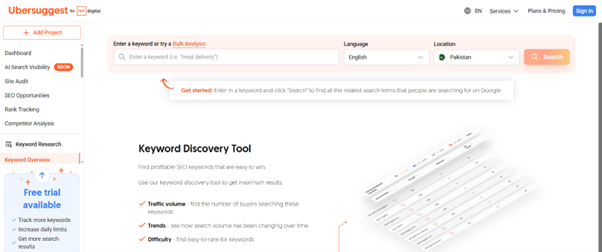
Purpose: Ubersuggest is a budget SEO tool with a limited free tier (a few searches a day) that covers keyword research, site audit, and competitor analysis features. It’s a more budget-friendly alternative to tools like SEMrush and Ahrefs.
Key Features:
- Site Audit: Provides a comprehensive audit of your site’s SEO health, highlighting issues that need attention.
- Keyword Suggestions: Helps you find new keyword opportunities for content creation and optimisation.
- Backlink Data: Shows the backlinks pointing to your site and identifies potential areas for improvement.
- Rank Tracking: Tracks your website’s keyword rankings over time.
Why It’s Important: Ubersuggest is a cheap option for users who want a basic SEO audit tool that covers key areas like technical SEO, keywords, and backlinks.
A Simple SEO Audit Schedule You Can Follow
If you want one answer: run a full audit once or twice a year, and do short checks every month. The table below breaks this into a routine a small business owner or in-house marketer can keep up with.
| How often | What to check |
|---|---|
| Weekly (a few minutes) | Search Console for manual actions, security issues and sudden drops in clicks or indexed pages |
| Monthly | Site crawl for broken links, redirect chains, new 404s and missing titles; Core Web Vitals report |
| Quarterly | Top pages' rankings and click-through rates, outdated content, new backlinks and competitor changes |
| Once or twice a year | Full audit: technical, on-page, content, backlinks, local SEO and keyword strategy |
| Straight away | After a redesign, migration, CMS or theme change, or a large unexplained traffic drop |
Adjust the schedule to your site
- Small brochure sites that rarely change can stick to monthly Search Console checks and a yearly full audit.
- Blogs and news sites should review content quarterly, because old posts go out of date quickly.
- Online stores add and remove products constantly, so a monthly technical crawl catches broken product links and out-of-stock pages early.
Keep a simple log of what you found and fixed each time. When traffic changes, that record makes it much easier to see what caused it.
What the Audit Tools Cost and Which One Fits a Pakistani Business
The tool list above reads as if every option were equal. It is not, and for a Lahore business the budget decides most of it. Prices below are the vendors' entry tiers as of October 2026 in USD, with a rough PKR figure at around 280 rupees to the dollar; check the pricing page before you buy, because tiers change often.
| Tool | Free use | Starting price | Best for |
|---|---|---|---|
| Google Search Console | Fully free | Free | Everyone; the first tool to open in any audit |
| Google Analytics 4 | Fully free | Free | Engagement and conversions from organic traffic |
| Screaming Frog SEO Spider | Crawls up to 500 URLs | Yearly licence, roughly $280 (about PKR 78,000) for unlimited crawling | Technical crawls of any site; the free limit covers most small business sites |
| Ahrefs | Ahrefs Webmaster Tools is free for sites you own; limited free tools on the site | Lite plan around $129 a month (about PKR 36,000) | Backlink audits and competitor research |
| Semrush | Limited free account | Pro plan around $139.95 a month (about PKR 39,000) | All-in-one audits, keyword tracking and competitor data |
| Moz Pro | Limited free tools and a trial | Starter plan around $49 a month (about PKR 14,000) | Beginners who want a simpler all-in-one suite |
| Ubersuggest | A few free searches a day | From roughly $12 to $40 a month depending on the tier | Budget keyword research and basic site audits |
A practical setup for most Pakistani SMBs: Search Console, GA4 and the free Screaming Frog crawl cover the monthly checks at no cost. Add one paid subscription only when you need backlink or competitor data, and consider paying for a single month around your yearly full audit instead of all year. Agencies and large stores usually keep Semrush or Ahrefs on all the time.
Is It a Ranking Drop or an AI Overviews Drop?
Since AI Overviews and AI Mode rolled out in Google Search, including in Pakistan, a falling click count no longer always means falling rankings. Before you start a full audit, spend ten minutes in Search Console separating the two.
- Open the Performance report, set the date range to compare the last three months with the previous three, and sort queries by click change.
- For the queries that lost the most clicks, look at impressions and average position. If both held steady while clicks fell, Google is still showing you; an AI Overview above the results is taking the click.
- Check whether the losing queries are informational (how, what, why, best) while transactional queries (price, near me, buy, book) held. That pattern points at AI Overviews, not at a technical or quality problem.
- If average position itself fell across many queries, open the Google Search Status Dashboard and compare the date of the drop with the ranking updates listed there. A match means a core update or spam update; that is when a full content and link audit is worth it.
For pages hit by AI Overviews, the fix is editorial rather than technical: answer the question directly near the top of the page, keep facts current and specific, and make sure the page is the kind of source an AI answer cites. For pages hit by a core update, follow the audit types above.
Conclusion
Regular SEO audits are essential for maintaining a website’s health, optimising performance, and staying competitive in search rankings. By conducting audits on key elements like technical SEO, content, backlinks, and on-page factors at appropriate frequencies, you can identify issues early, improve user experience, and adapt to changes in search engine algorithms. Whether it’s monthly checks for technical issues or quarterly content reviews, staying proactive with SEO audits ensures that your site remains optimised for search engines and users, ultimately driving better traffic, engagement, and conversions.
Frequently asked questions
How long does an SEO audit take?
It depends on the size of the site and how deep the audit goes. Basic checks on a small business site with a few dozen pages can be done in a few hours with Search Console and a crawler. A full audit of a large e-commerce site, covering technical issues, content, backlinks and competitors, can take several weeks, plus time to fix what it finds.
Can I do an SEO audit myself?
Yes, for the basics. Google Search Console is free and shows indexing problems, Core Web Vitals and manual actions. A crawler such as Screaming Frog, which crawls up to 500 URLs free, finds broken links, redirects and missing titles. Where owners usually need help is prioritising fixes and diagnosing complex issues like traffic drops after an algorithm update.
Is a free SEO audit tool report enough?
It is a useful starting point but not a full audit. Automated tools flag hundreds of issues without knowing which ones matter for your business, and they cannot judge content quality, search intent or competitors. Use the report as a checklist, fix the errors that affect important pages first, and ignore low-impact warnings until the essentials are solid.
My rankings look stable but clicks have dropped. Do I still need an audit?
Check the cause before auditing everything. In Search Console, compare the last three months with the previous period and look at impressions against clicks per query. If impressions and average position hold while clicks fall on question-style queries, the likely cause is an AI Overview or AI Mode answering the question above your result, not a technical fault. Focus on transactional pages and on being cited in those answers rather than on a full technical audit.