What Is a URL? Parts, Types and Status Codes Explained
A URL (Uniform Resource Locator) is the address used to access a webpage or file on the internet. It’s a specific character string that directs a web browser to a particular location on the World Wide Web. Each URL is unique and enables browsers to retrieve any published resource on the internet.
Key takeaways
- A URL (Uniform Resource Locator) is the unique address of a page or file on the web.
- It is made of a protocol, domain, optional port, path, query string and fragment.
- URLs are absolute (full address) or relative (resolved from the current page or site root).
- HTTP status codes show what happened: 2xx success, 3xx redirect, 4xx client error, 5xx server error; all 3xx redirects pass PageRank.
- Use lowercase hyphenated HTTPS URLs, 301s for permanent moves, fix links that point at 404s, and monitor the Page indexing report in Google Search Console.
Importance of URLs for Websites and SEO

URLs play a crucial role in the navigation, structure, and user experience of websites. They are also fundamental to the success of SEO (Search Engine Optimization) efforts. Good URLs can improve site visibility, make pages easier for search engines to crawl and index, and enhance user experience. For SEO, a well-crafted URL can signal the content of the page to search engines, improving the page’s ranking for specific keywords. Moreover, URLs are shared, bookmarked, and used in advertising, making them a critical component of Internet marketing strategies.
Components of a URL
A URL consists of several components, each serving a specific function in directing the browser to the desired location on the internet:
- Scheme/Protocol: Indicates the protocol the browser must use to access the resource. Common protocols include HTTP (Hypertext Transfer Protocol) and HTTPS (HTTP Secure).
- Domain Name: Specifies the name of the web server where the resource is hosted. For example, in “www.example.com“, “example.com” is the domain name.
- Port (optional): A number following the domain name, separated by a colon, indicating the port number to access the resource on the web server. If not specified, the browser defaults to port 80 for HTTP or port 443 for HTTPS.
- Path: The specific location of a resource within the server. It usually resembles a file path structure.
- Query (optional): Begins with a question mark (?) and includes parameters that may define specific content or actions based on the data passed.
- Fragment (optional): Starts with a hash (#) and is used to navigate to a specific part of the page.
Types of URLs

There are primarily two types of URLs, each serving different purposes in web navigation:
- Absolute URLs: These provide the full path to a resource, including the protocol, domain name, and path. They are used to link to external sites or resources. For example, “https://www.example.com/about” is an absolute URL that includes the entire address needed to access the ‘about’ page on ‘example.com’.
- Relative URLs: Unlike absolute URLs, relative URLs only specify the path to a resource relative to the current page or document-based URL. They are useful within the same website, making it easier to link to resources without specifying the full URL. For example, if a document is located at “https://www.example.com/catalog/page.html”, a relative URL to another document in the same directory could simply be “about.html”, which the browser interprets as “https://www.example.com/catalog/about.html”. Use HTTPS for every URL; browsers mark plain HTTP pages as not secure.
Understanding the structure and types of URLs is fundamental for web development, navigation, and implementing effective SEO strategies. Proper use of URLs enhances the usability and accessibility of websites, making them more discoverable and ranking higher in search engine results.
URL Status Codes
What are Status Codes?
URL status codes, also known as HTTP status codes, are issued by a server in response to a client’s request to access a webpage. These codes indicate whether the request was successfully processed, encountered an error, or needs to be redirected. Understanding these codes is crucial for website development, maintenance, and SEO, as they provide insights into the website’s performance and issues that may affect user experience or search engine ranking.
How They Are Classified
Status codes are grouped into five classes, each identified by the first digit of the code, which indicates the type of response:
- 1xx (Informational): Indicates provisional responses, with the request still being processed.
- 2xx (Successful): This means the request was successfully received, understood, and accepted.
- 3xx (Redirection): Indicates that further action needs to be taken by the client to complete the request, often involving URL redirection.
- 4xx (Client Error): Signals an error that seems to have been caused by the client, such as a bad request or a request for a nonexistent page.
- 5xx (Server Error): Implies that the server failed to fulfill a valid request due to an error on the server’s side.
Common URL Status Codes and Their Meanings
- 200 OK: This is the most common status code, indicating that the request was successful and the server has sent the requested data to the client. It’s what you ideally want to see for every URL on your site.
- 301 Moved Permanently: This status code is used for permanent URL redirection. It means that the requested resource has been moved to a new URL permanently, and future requests should use one of the returned URLs. It’s essential for SEO to ensure that any change in URL structure or site migration does not lose the search equity that the original URL had accumulated.
- 302 Found: This code is used for temporary redirections, indicating that the requested resource temporarily resides at a different URL. Unlike a 301 redirect, a 302 tells search engines to keep the original URL in their index rather than replacing it with the new one. It’s useful for temporary content or when a page needs to be moved for a short period. Google has said that all 3xx redirects pass PageRank, and that a 302 left in place for a long time is eventually treated as permanent.
- 404 Not Found: This indicates that the server cannot find the requested resource. A 404 for a page that genuinely no longer exists is normal and does not hurt the rest of the site. The problem is internal links and backlinks that still point at 404 pages: visitors hit a dead end and the link equity is lost. Fix those by updating the links, or by redirecting the old URL to the closest relevant page when one exists.
- 500 Internal Server Error: This is a generic error message indicating that the server encountered an unexpected condition that prevented it from fulfilling the request. Server issues, such as problems with a PHP script can cause this error. A 500 error is bad for both user experience and SEO, as it prevents users from accessing the page and can negatively impact a website’s ranking if not resolved quickly.
Understanding and correctly managing these URL status codes can significantly improve a website’s usability, performance, and SEO ranking. Regularly monitoring your website for these errors and addressing them promptly ensures a better experience for your visitors and maintains your site’s search engine visibility.
Effects of URL Statuses on Websites
User Experience Implications
URL statuses have a direct impact on user experience. For instance:
- 200 OK enhances user experience by confirming that the desired content is available and accessible.
- 301 Moved Permanently, and 302 Found redirects can be seamless when properly implemented, guiding users to the intended content without confusion.
- 404 Not Found errors can frustrate users, especially if encountered frequently or without a helpful custom error page guiding them back to relevant content.
- 500 Internal Server Error presents a significant barrier to user engagement, as it indicates a server problem that makes the content completely inaccessible.
Impact on Website Performance
- Redirect chains (A to B to C) add a round trip for every hop and slow each visit; point every old URL straight at its final destination.
- Proper use of 301 redirects can streamline user access and improve site performance by efficiently directing traffic to the correct URLs.
Security Concerns with Certain Status Codes
- Repeated 5xx errors could indicate underlying security issues, such as vulnerabilities being exploited, leading to server instability.
- Open redirects, where a URL parameter can send visitors to any outside site, are abused in phishing; only redirect to destinations you control.
URL Statuses and SEO
Importance of 301 and 302 Redirects for SEO
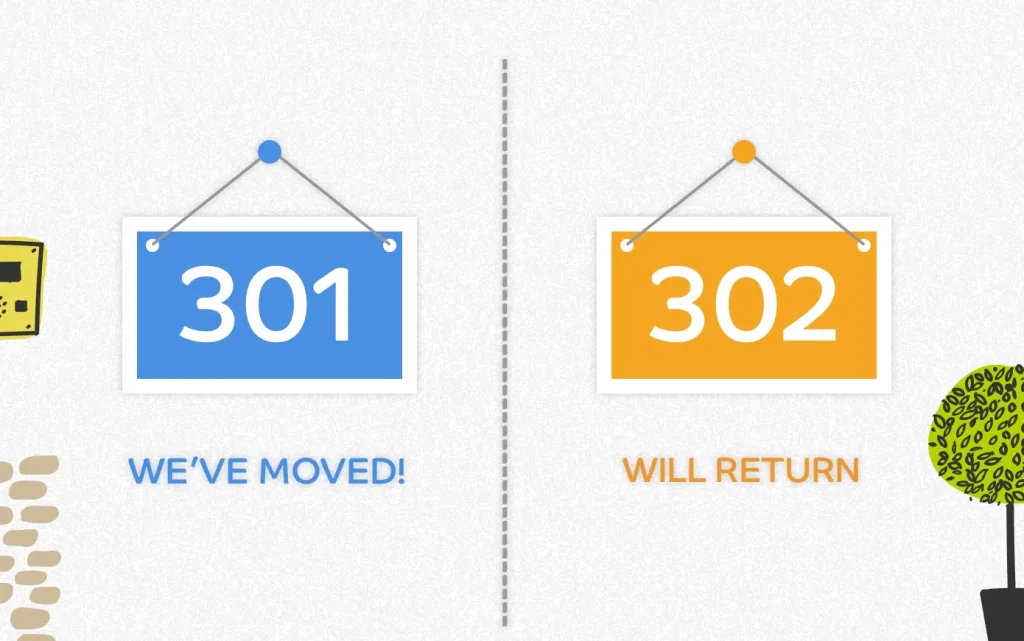
- 301 redirects are crucial for SEO as they pass link equity (ranking power) from the old URL to the new one, helping to maintain a site’s authority and search rankings after URL changes or site migrations.
- 302 redirects, while temporary, should be used only for temporary moves, because Google keeps the original URL indexed rather than the new one. They are suitable for temporary content or situations where the original URL will soon be reinstated.
The Negative Impact of 404 and 500 Errors on SEO Rankings
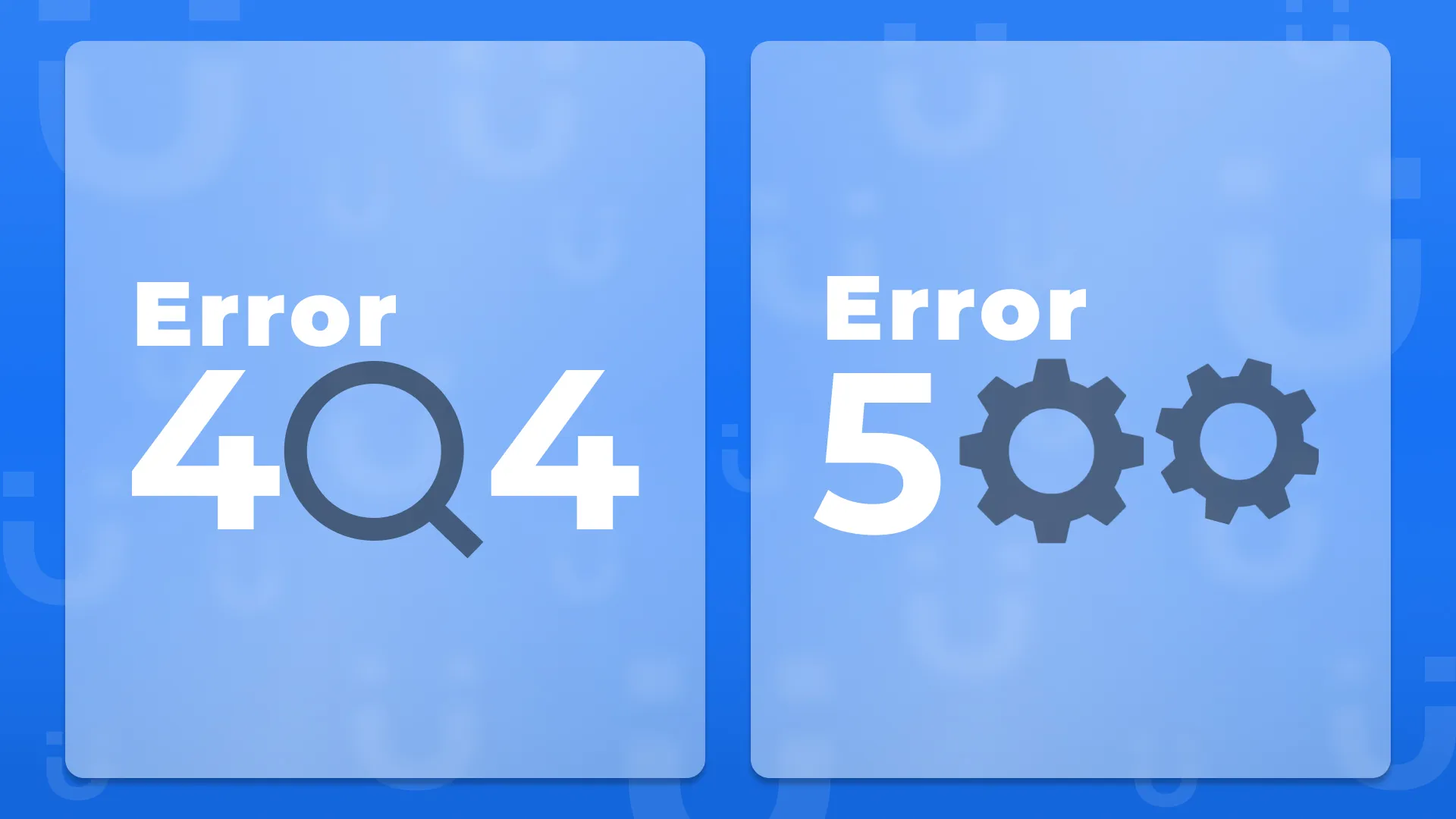
- 404s only matter for SEO when your own links or valuable backlinks point at them; the lost visitors and link equity are the cost, not the error itself.
- 500 Internal Server Error signals to search engines that a site is unreliable or unstable, potentially leading to a decrease in search rankings if not resolved promptly.
Best Practices for Managing Redirects and Handling Errors
- Use 301 redirects for permanent URL changes to preserve SEO value and ensure users and search engines are directed to the correct pages.
- Use 302 redirects only for genuinely temporary situations, such as a sale page that will come back, and switch them to 301s if the move becomes permanent.
- Customize 404 error pages to provide links to the home page or popular resources, helping users find what they need even if the original content is unavailable.
- Monitor and fix 500 errors promptly by checking server logs and resources to maintain site stability and performance.
- Regularly audit your website for broken links and incorrect redirects using the Page indexing report in Google Search Console, a crawler, or the free marketers.pk Broken Links Checker to identify and correct issues affecting user experience and SEO.
Implementing these best practices can help mitigate the negative effects of certain URL statuses on both user experience and SEO, ensuring a stable, accessible, and search-friendly website.
Tools and Techniques for Monitoring URL Statuses

Webmaster Tools (e.g., Google Search Console)
Google Search Console is an indispensable tool for webmasters, providing detailed reports on how Google views and crawls a website. Its Page indexing report groups URLs by status (Not found, Server error, Page with redirect, Soft 404), and it alerts you to security issues like hacking. Regularly checking Google Search Console can help identify and resolve issues that affect your site’s visibility and user experience.
Website Monitoring and SEO Tools
There are numerous third-party tools designed to monitor website health and SEO performance. These tools can automate the process of checking for broken links, tracking URL redirects, and identifying server errors. Examples include Screaming Frog, Semrush, and Ahrefs. For quick one-off checks, the free marketers.pk Redirect Checker shows the status code of every hop in a redirect chain, and the Broken Links Checker finds dead links on a page.
Regular Audits and Checks for Broken Links
Conducting regular website audits is crucial for maintaining a healthy, user-friendly site. This includes manually or automatically checking for broken links, incorrect redirects, and outdated content. Regular audits help ensure that visitors have a smooth browsing experience and that search engines can efficiently index your site.
Strategies for Optimizing URL Structures for SEO
URL Naming Conventions and Keywords
Incorporate relevant keywords into your URLs to make them more informative and SEO-friendly. However, it’s essential to keep URLs concise and avoid stuffing them with keywords. A well-crafted URL should give both users and search engines a clear indication of the page content.
The Importance of a Clear, Hierarchical Structure
A clear, logical structure in your URLs helps users navigate your site more easily and allows search engines to understand the relationship between pages. This hierarchical approach should mimic your site’s navigation, using slashes to denote different levels or categories within your site.
Canonical URLs and Avoiding Duplicate Content
Use canonical URLs to tell search engines which version of a page you want to be considered as the authoritative one. This is crucial for avoiding duplicate content issues, especially when similar or identical content is accessible through multiple URLs. Proper use of the canonical tag ensures that search engines index your preferred URL and attribute all relevant ranking signals to it.
Conclusion
Understanding and managing URL statuses is fundamental to maintaining a healthy website and achieving optimal SEO outcomes. Tools like Google Search Console and various SEO auditing tools play a vital role in monitoring and addressing issues related to URL statuses. Moreover, adopting strategies for optimizing URL structures—such as using keywords judiciously, maintaining a clear hierarchical structure, and correctly implementing canonical URLs—can significantly improve a site’s SEO performance.
Ultimately, the goal is to provide both users and search engines with clear, error-free pathways to your content. By doing so, you enhance user experience, improve your site’s search engine rankings, and ensure your website remains competitive in the digital landscape. Regular monitoring, coupled with strategic optimization, lays the foundation for a successful online presence.
URL Best Practices for a Pakistani Business Site
The naming and structure rules above are easier to follow with examples. Here is what a clean URL looks like for a Lahore service business and the rules behind it.
https://www.example.pk/services/seo-lahore/| Rule | Do | Avoid |
|---|---|---|
| HTTPS everywhere | https://www.example.pk/ | http://www.example.pk/ still reachable without a redirect |
| Lowercase, hyphens between words | /leather-jackets-lahore/ | /Leather_Jackets%20Lahore/ |
| Short and descriptive | /blog/what-is-a-url/ | /blog/2024/02/29/what-is-a-url-and-why-it-matters-for-your-website-in-2024/ |
| No dates in slugs for evergreen content | /blog/seo-checklist/ | /blog/2024/seo-checklist/ (looks stale the next year) |
| One trailing-slash convention | Always /about/ or always /about, with the other version redirecting | Both versions returning 200 |
| Folders that reflect the site | /services/web-design/ and /locations/lahore/ | Every page at the root with no hierarchy, or /index.php?id=37 |
| Subfolders rather than subdomains for the same business | example.pk/blog/ | blog.example.pk, unless the blog really is a separate site |
UTM parameters and canonicals
Tracking parameters such as ?utm_source=facebook&utm_campaign=eid create a new URL for the same page. That is fine for GA4, but each page should carry a canonical tag pointing at the clean URL, so that Google folds every tagged version into one. WordPress SEO plugins add this automatically; check it with the Canonical Tag Checker.
How to change a URL safely
- Create the new URL and make sure the page loads on it.
- Add a 301 redirect from the old URL to the new one, and test it with the Redirect Checker so there is exactly one hop.
- Update your internal links, menus and sitemap to the new URL; do not rely on the redirect for your own links.
- Keep the redirect in place permanently. Google recommends at least a year, and visitors with old bookmarks keep using it for longer.
Where these codes show up in Search Console
The Page indexing report groups your URLs by exactly these statuses: Not found (404), Server error (5xx), Page with redirect, Soft 404, Blocked by robots.txt and Redirect error for chains and loops. A few URLs in each group are normal. The ones to act on are 404s that your own pages still link to, 5xx errors that repeat, and redirect errors, because those stop Google reaching pages you want indexed.
Other Status Codes Worth Knowing
The codes above are the ones you will see most, but a few others often appear in site audits and Search Console reports.
| Code | Meaning | What it means for SEO |
|---|---|---|
| 304 Not Modified | The page has not changed since the last visit | Normal and helpful. It saves crawl resources. |
| 307 Temporary Redirect | Like a 302, but keeps the request method | Treated like a temporary redirect. Browsers also show a 307 when HSTS forces HTTPS. |
| 308 Permanent Redirect | Like a 301, but keeps the request method | Treated like a 301 by Google. |
| 403 Forbidden | The server refuses access | Google cannot index the page. Check firewall and security plugin settings if Googlebot is blocked. |
| 410 Gone | The page was removed on purpose | A clearer signal than 404 for content you deleted for good. |
| 429 Too Many Requests | The server is limiting requests | Google slows its crawling. Frequent 429s can delay indexing. |
| 503 Service Unavailable | The server is down for a while | The right code for planned maintenance. Keep it short, because a long outage can lead to pages dropping out. |
How to check a status code
- Use the URL Inspection tool in Google Search Console.
- Paste the URL into the free marketers.pk Redirect Checker, which shows the code of every hop.
- Open browser developer tools, go to the Network tab and reload the page.
- Crawl the whole site with Screaming Frog or a site audit tool.
Frequently asked questions
What is the difference between a URL and a domain name?
A domain name is just the website's name, such as example.com. A URL is the full address of one specific page or file, such as https://www.example.com/blog/seo-tips/. Every URL contains a domain, but it also includes the protocol, and usually a path to the exact page. One domain can have thousands of URLs.
What is the difference between a URL and a URI?
A URI (Uniform Resource Identifier) is any string that identifies a resource. A URL is a type of URI that also tells you how to reach the resource, through a protocol such as https. In everyday web and SEO work, the two terms are used almost interchangeably, and URL is the more common word.
How do I find the URL of a page?
On a computer, click the address bar at the top of the browser and copy the full text. On a phone, tap the address bar or use the Share button and choose Copy link. In apps like Instagram or YouTube, the Share menu usually includes a Copy link option. For images, right-click the image and choose Copy image address.
Is a soft 404 the same as a 404 error?
No. A real 404 returns the 404 status code. A soft 404 is a page that says something like "not found" or has almost no content, but returns a 200 OK status. Google flags these in the Page indexing report in Search Console. Fix them by returning a proper 404 or 410, or by adding real content or a relevant redirect.
Do 301 and 302 redirects pass the same SEO value?
Google has said since 2016 that all 3xx redirects, including 301, 302, 307 and 308, pass PageRank. The difference is which URL Google keeps in its index. A 301 tells it to replace the old URL with the new one. A 302 says the move is temporary, so Google keeps the old URL, though if a 302 stays in place for a long time Google eventually treats it as permanent. Use a 301 whenever the move is meant to last.