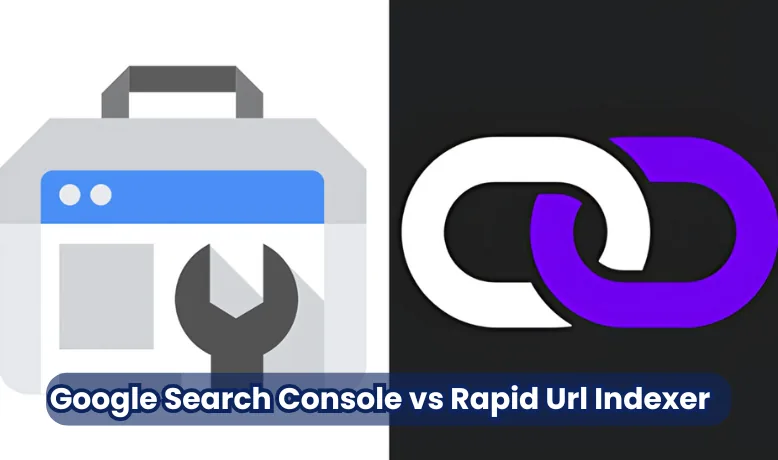
Google Search Console vs Rapid URL Indexer
URL indexing is the process by which search engines like Google discover, analyse, and store web pages so they can appear in search results. If a URL isn’t indexed, it’s essentially invisible online—no matter how valuable or well-optimized the content might be. Indexing is critical in SEO because it’s the gateway to visibility, organic traffic, and search rankings. Without indexing, your site cannot be found through search engines.
Key takeaways
- Google Search Console is Google's free tool for checking index status, fixing errors and requesting indexing one URL at a time, with a small daily quota per property.
- Rapid URL Indexer is a paid credit-based service ($0.05 or less per URL, checked October 2026) that submits many URLs, including backlinks you do not own, and refunds credits for URLs not indexed within 14 days.
- Neither tool can force Google to index or rank a page; they only help Google discover it sooner, and Google's Indexing API is officially only for job posting and livestream pages.
- IndexNow is the legitimate bulk-submission route for Bing and other engines, but Google does not use it.
- Use Search Console as your base for diagnostics, fix the reason a page is not indexed, and confirm results in the URL Inspection tool whatever you used to submit.
To manage this process effectively, many website owners and SEOs rely on tools that help speed up and monitor indexing. Two popular options are Google Search Console (GSC) and Rapid URL Indexer. GSC is Google’s free, official platform for URL submission and performance tracking, offering insights into how your site performs in search. On the other hand, Rapid URL Indexer is a third-party tool known for faster, bulk URL submissions—ideal when you need content indexed quickly.
Google Search Console
Google Search Console (GSC) is a free and powerful tool provided by Google that helps webmasters, developers, and SEO professionals monitor and maintain their site’s presence in Google Search results. It lets you track how Google indexes your site, troubleshoot issues, and request indexing for new or updated content. As a trusted, official resource, it’s often the first stop for anyone serious about improving their website’s visibility and search performance.
Key Features:
- URL Inspection Tool: This feature allows you to check the index status of a specific URL. It shows whether the page is indexed, when it was last crawled, and if any issues prevent it from appearing in search results. You can also use this tool to request reindexing of updated content.
- Page indexing report: This report provides an overview of how many pages are indexed, which ones are excluded, and the reasons behind any indexing issues. It’s a crucial feature for identifying crawl errors, redirects, or blocked resources that might affect visibility.
- Submit Sitemap Feature: Sitemaps help Google find and understand your site structure. By submitting a sitemap through GSC, you can speed up the discovery of new pages and ensure that your most important URLs are crawled and indexed efficiently.
Rapid URL Indexer
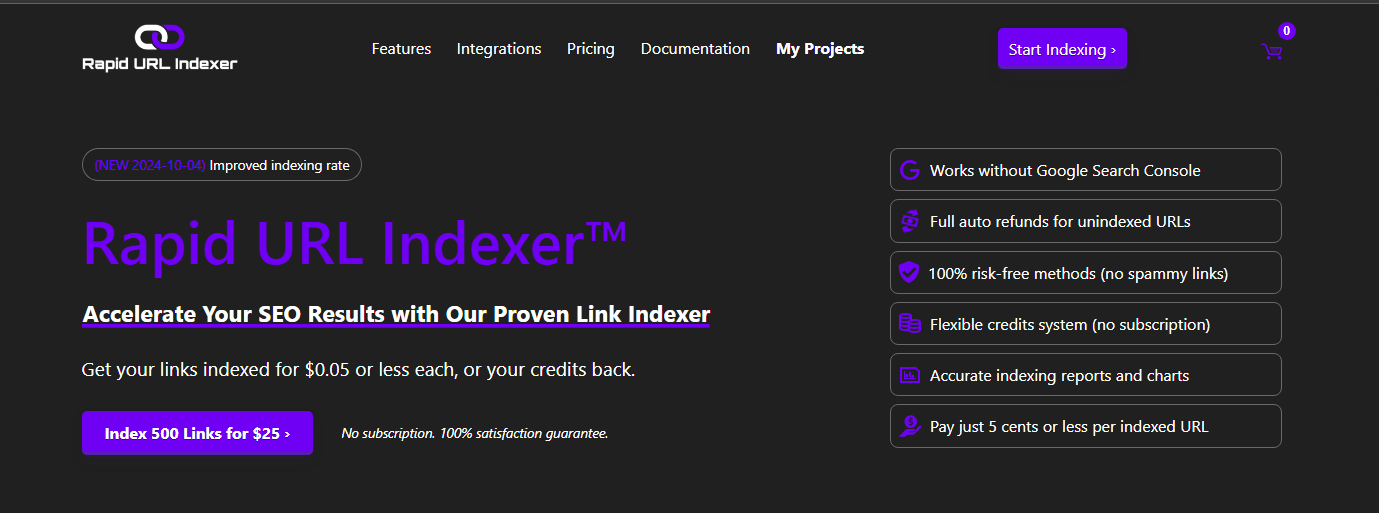
Rapid URL Indexer is a third-party tool designed to accelerate the indexing of your web pages by search engines, especially Google. Unlike Google Search Console, which can take time to process indexing requests, Rapid URL Indexer focuses on speed and automation. It’s particularly popular among digital marketers, SEOs, and content publishers who need quick visibility for new or updated pages.
It works on credits rather than a subscription. As of October 2026, 500 credits cost $25 (about PKR 7,000), which is $0.05 per URL, with larger packs down to $0.04 per URL, and credits never expire. One credit covers one URL. You create a project, paste your URLs, and the service reports after 4 days and again after 14 days; any URL that is still not indexed in Google after 14 days has its credit refunded automatically. It does not need access to your Google Search Console, which is why it is mostly used for backlinks and guest posts on sites you do not control. The company does not publish the technical method it uses.
Key Features
- Bulk URL Submission: Submit hundreds or even thousands of URLs simultaneously, saving time and manual effort.
- Fast Indexing Turnaround: Submissions are processed quickly, which suits urgent campaigns, though Google still decides whether and when to index each URL.
- Integration Support: Many versions integrate with popular SEO tools or provide API access for custom automation workflows.
Core Differences Between GSC & Rapid Indexer
While both Google Search Console and Rapid URL Indexer aim to help you get your URLs indexed, they operate in fundamentally different ways. GSC is an official Google tool for reliability, insight, and long-term SEO management. On the other hand, Rapid URL Indexer is built for speed, automation, and mass indexing. Understanding the core differences between these tools is essential for choosing the right one for your strategy.
Below is a side-by-side comparison to help you visualise the key differences:
| Feature | Google Search Console (GSC) | Rapid URL Indexer |
| Speed | The request is immediate; crawling and indexing usually take hours to days | Submission is immediate; indexing time is still Google's decision |
| Accuracy | High – direct from Google’s search engine infrastructure | Variable – the method is not published; results are reported after 4 and 14 days |
| Control | High – offers page-level insights, error reports, and diagnostics | Moderate – limited feedback after submission |
| API Integration | URL Inspection API for status checks; the Indexing API is only for JobPosting and BroadcastEvent pages | Supports custom API integrations for bulk submissions |
| Indexing Limits | Small daily quota of manual requests per property (roughly 10 in practice); sitemaps handle everything else | Higher volume support – ideal for bulk or automated indexing |
Pros and Cons of Each Tool
Google Search Console
Pros:
- ✅ Trusted and Secure: Developed by Google, making it the most reliable and safest option for URL indexing.
- ✅ Insightful Data Reports: Offers in-depth analytics on crawl issues, search performance, and index coverage.
- ✅ Free and Easy to Use: There is no cost, and the clean interface is suitable for all experience levels.
Cons:
- ❌ Slower Indexing Times: Manual requests can take several hours or even days to reflect in the index.
- ❌ Limited Submission Control: Only a small number of manual indexing requests are allowed per property per day (Google does not publish the figure; around 10 in practice), which is not ideal for bulk needs.
Rapid URL Indexer
Pros:
- ✅ Fast Indexing: Pages can be discovered sooner, which helps with urgent content, although indexing is never guaranteed.
- ✅ Bulk Submission Support: Allows for high-volume URL submissions, saving time and effort.
- ✅ Automated Integration: Can be linked with other tools or platforms for seamless indexing workflows.
Cons:
- ❌ Not Google-Owned: As a third-party service, it doesn’t directly access Google’s internal systems.
- ❌ Risk of Overuse: Excessive or aggressive submissions could trigger red flags or reduce effectiveness over time.
When to Use Which Tool?
Both Google Search Console and Rapid URL Indexer have unique strengths, and knowing when to use each can significantly improve your SEO workflow. Your choice should depend on the nature of your content, the urgency of indexing, and your overall SEO goals.
Use Google Search Console when:
- You’re focusing on long-term organic SEO growth.
- You want reliable, first-party data and diagnostics directly from Google.
- You’re working on ongoing projects where indexing speed is not urgent.
- You’re managing a site with consistent but moderate content updates.
- Example: Submitting a newly published blog post to track its search performance over time.
Use Rapid URL Indexer when:
- You must fast-track new content like news articles, product launches, or affiliate pages.
- You’re publishing bulk URLs and want them indexed quickly without waiting days.
- You’re fixing urgent SEO issues and want search engines to recrawl your updated pages ASAP.
- Example: On launch day, when you want Google to index a batch of new landing pages within hours instead of days.
Why Google May Still Not Index a Page (Whichever Tool You Use)
Both tools can get a URL in front of Google faster. Neither can make Google keep it in the index. If a page stays out, the cause is usually on the page or the site, not the submission method. Check the Page indexing report in Search Console (it replaced the old Index Coverage report) and look for these statuses:
- Discovered - currently not indexed: Google knows the URL but has not crawled it yet. Better internal links and a clean sitemap usually help more than repeated submissions.
- Crawled - currently not indexed: Google fetched the page and chose not to index it. This often points to thin, duplicate or low-value content.
- Duplicate, Google chose different canonical: Google sees the page as a copy of another URL and indexes that one instead.
- Excluded by noindex tag or Blocked by robots.txt: a setting on your site is stopping indexing. No external tool can override this.
Fix the cause first, then submit. Sending the same weak page again and again through any tool wastes credits and does not change Google's decision. You can check a batch of URLs quickly with our free Google index checker before spending credits anywhere.
How Third-Party Indexers Really Work, and the Policy Risk
Google offers exactly one official way to push a URL programmatically: the Indexing API. Its documentation says it can only be used for pages with JobPosting markup or BroadcastEvent markup inside a VideoObject, and that Google's spam policies apply to everything submitted through it. Using it for ordinary blog posts, product pages or backlinks is against the terms, and Google has said it ignores or limits such submissions.
Third-party indexers therefore rely on indirect methods: getting the URL linked from pages Google already crawls often, submitting it to other search engines, or routing it through Indexing API projects that are not supposed to carry that kind of content. Rapid URL Indexer says it uses "no spammy links" and publishes an average indexing rate, but it does not publish its method, and it cannot guarantee indexing, which is why it refunds credits instead.
What this means for you:
- For your own pages, there is no legitimate shortcut past Search Console, a clean sitemap and internal links. If those are in place and a page still is not indexed, the fix is the page, not another submission.
- For backlinks you do not control, a paid indexer is the only practical option, and this is the use case the service is built for. The risk is low for you because the URLs are not on your site, but the benefit is also uncertain: a link Google chose not to index is often a link Google does not value.
- Never run Indexing API scripts against your own site for normal pages. If an agency proposes it, ask them to show you the page type restriction in Google's documentation.
IndexNow: The Legitimate Bulk Route (for Bing and Others)
IndexNow is an open protocol supported by Bing, Yandex, Naver, Seznam and Yep. You host a small key file on your site and ping an endpoint with up to 10,000 URLs at once whenever pages are added, changed or deleted. WordPress plugins such as Rank Math and Yoast SEO, plus Cloudflare, can send these pings automatically. It is free and completely within the rules.
The catch is that Google does not use IndexNow. It tested the idea in 2021 and has not adopted it since, so IndexNow helps your Bing visibility (and anything that uses Bing's index, including some AI assistants) but does nothing for Google. For Google, the supported routes remain the sitemap, internal links, the URL Inspection tool and, for job and livestream pages only, the Indexing API. Google also retired its sitemap ping endpoint in 2023; submitting the sitemap once in Search Console and keeping it updated is all that is needed.
Conclusion
Both Google Search Console and Rapid URL Indexer serve valuable roles in indexing, but their strengths lie in different areas. GSC is the go-to tool for reliable, long-term SEO management with deep insights and direct integration with Google’s ecosystem. On the other hand, Rapid URL Indexer excels in speed and bulk submissions, making it ideal for time-sensitive content and fast-paced publishing environments.
For the best results, use Google Search Console as your foundation for SEO monitoring and diagnostics, and leverage Rapid URL Indexer when you need quick visibility for new or updated URLs. Combining both strategically will ensure your content gets indexed efficiently while maintaining control and performance across your website.
FAQ’s
Can I use both tools together?
Absolutely. Many SEO professionals combine the strengths of both tools—using Google Search Console for regular SEO monitoring and diagnostics while turning to Rapid URL Indexer for urgent or bulk submissions. This hybrid approach ensures your URLs are accurately monitored and quickly indexed when needed.
Is it safe to use Rapid URL Indexer?
It is low-risk for backlink URLs on other people's sites, which is what it is designed for, and the credit refund limits what you can lose. For your own pages, be careful: Google's only official programmatic route, the Indexing API, is restricted to job posting and livestream pages, and third-party indexers do not publish how they work. Fix the reason a page is not indexed, submit it through Search Console and your sitemap, and treat paid indexers as a tool for links rather than a substitute for a healthy site.
How long does it take GSC to index a URL?
Indexing through Google Search Console can vary widely. Some URLs are indexed within a few hours, while others may take several days. Site authority, crawl frequency, and technical health affect how quickly Google processes indexing requests.
What are the limits for URL submissions?
Google Search Console allows a small number of manual indexing requests per property per day through the URL Inspection tool; Google does not publish the figure, and in practice it is around 10 before you see a "quota exceeded" message. The URL Inspection API, for checking status rather than requesting indexing, allows 2,000 queries per property per day. Rapid URL Indexer has no daily cap; you can submit as many URLs as you have credits for, in batches of hundreds or thousands.